Appearance
Devices
This page lists the phones, tablets and browsers that have signed in to your shelter with a role that requires device approval, and lets administrators control which ones may reach animal data.
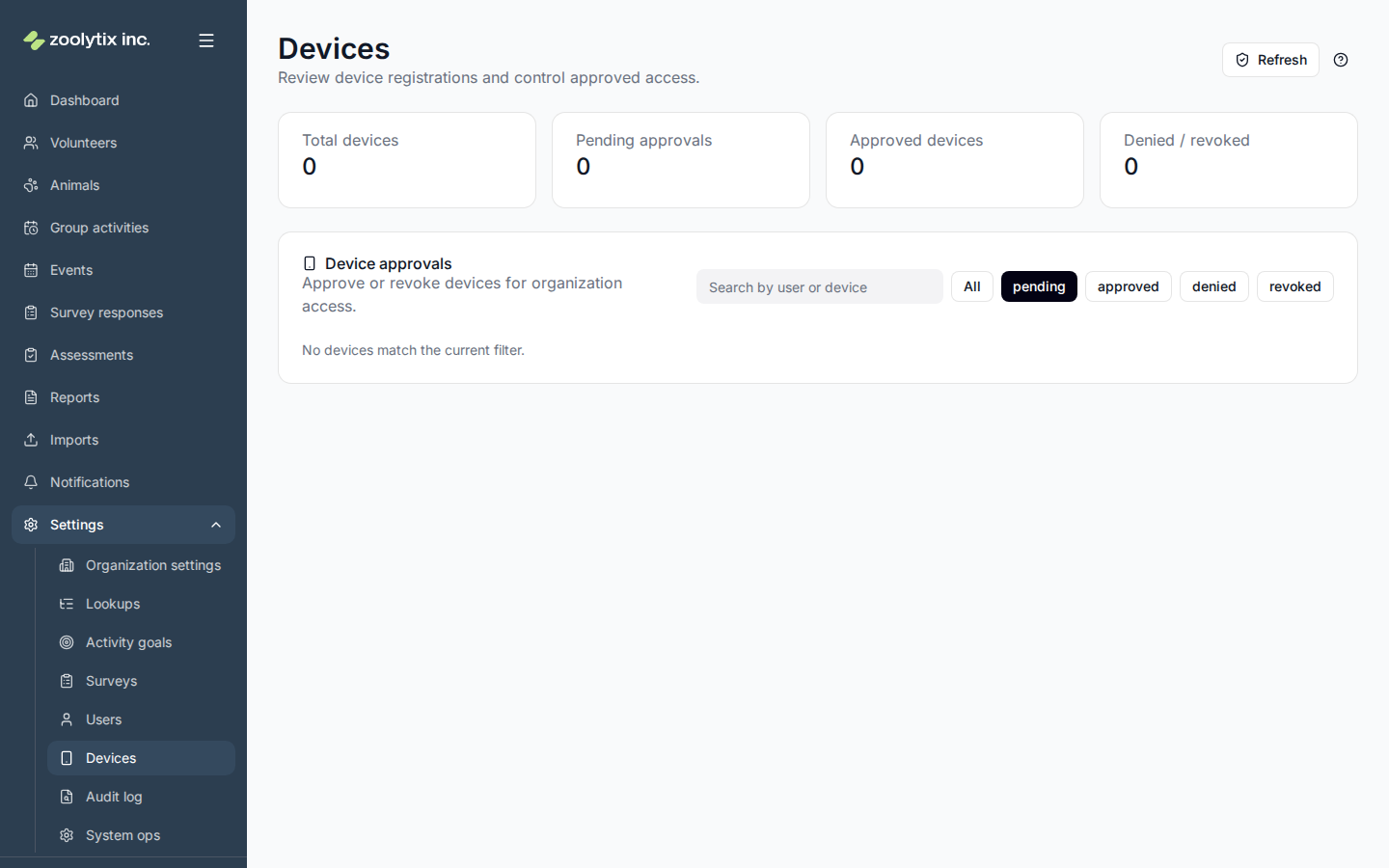
Who can use this page: administrators.
When approval is needed
Device approval is set per role. In Organization settings → Operational policies, the Role-based policies card has a Device approval column: tick it for each role whose new devices must be approved. A new shelter starts with Volunteer and Foster ticked and every other role unticked, and so does a sandbox trial. A shelter that was already using ShelterSync when this default was introduced keeps the setting it had. You can tick or untick any role at any time.
If a role is ticked, that role's new devices, phones and browsers alike, must be approved here first. If no role is ticked, devices work as soon as someone signs in: nothing is held, and signing in adds nothing to this page.
What device fingerprinting is
When someone signs in, the app notes a few harmless details about the device — its browser and operating system, language, screen size, and time zone — and combines them into a fingerprint. It's not tracking the person; it's a way to recognize "this is the same tablet as last time" so a brand-new, unrecognized device can be flagged for approval. No passwords or personal data are part of the fingerprint.
Approve, deny, or revoke a device
When a new device signs in (for a role that requires approval), it appears here as pending. Review who it belongs to and its details, then:
- Approve — grant it access.
- Deny — refuse it.
- Revoke — remove access from a device that was previously approved (for example a lost tablet).
Deny and Revoke both sign the device out straight away, at your shelter only.
Until a device is approved, that session is restricted. The person can sign in and manage their own profile, but can't reach animal data, notifications, or the administration pages. The one exception is this page, for people who can approve devices (below). This applies to a new browser as well as a new phone.
Approve your own new device
Anyone who can approve devices can approve their own new phone or browser. You don't need to ask another administrator.
This works from the browser that is waiting, too. Sign in there, open Settings → Devices, and approve it. That browser gets full access straight away, without signing out or reloading. If ShelterSync can't confirm that at once, the page asks you to reload it. To approve a new phone, approve it here from any browser you're signed in on.
Fields explained
| Field | What it means |
|---|---|
| Status | Whether a device is pending review, approved, denied, or revoked. |